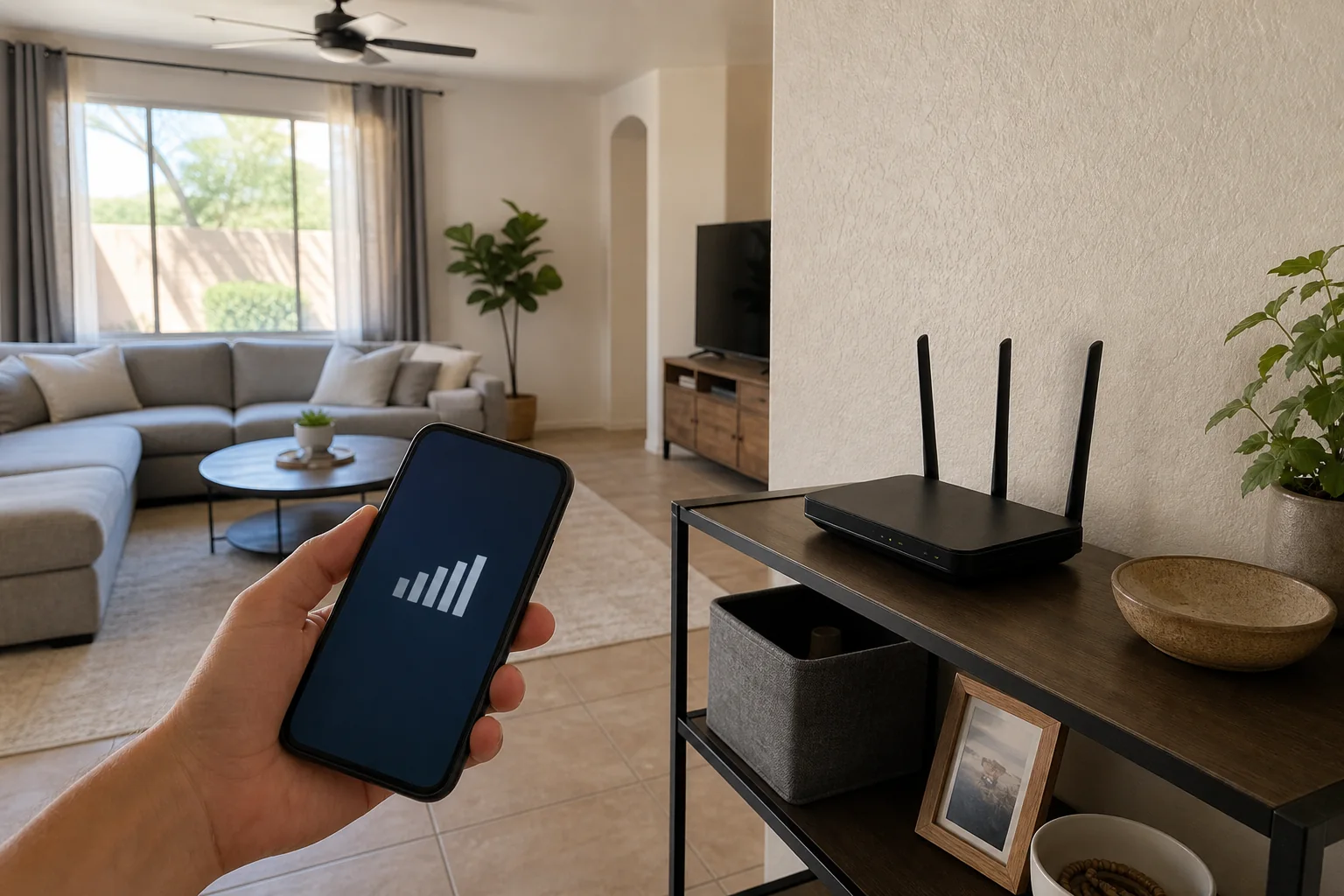
The clearest sign that your home Wi-Fi needs attention is inconsistency: the connection works near the router but drops off in a bedroom, garage, patio, or camera location. Before buying a faster internet plan or a new box, I separate the internet connection from the Wi-Fi inside the house. They are related, but they are not the same problem.
I’m Joe Machynia, the owner and solo operator of HandyMack in the Phoenix North Valley. Here are the five patterns I look for when I troubleshoot a home network.
1. It is fast beside the router and slow where you use it
Run the same speed test in two places: first near the router, then in the room where the problem happens. Use the same device for both tests.
If the nearby result is healthy and the second result falls apart, the internet service may be fine. The weak link is likely coverage, interference, or the path between that room and the router. Walls, cabinets, mirrors, masonry, metal ductwork, and simple distance can all change that path.
That does not automatically mean “buy mesh.” Sometimes moving the existing router out of a cabinet or away from other electronics is enough. In other homes, a properly placed mesh node or wired access point is the better fix.
2. Video calls and streaming fail at certain times or places
A network problem is easier to diagnose when you write down the pattern:
- Which room were you in?
- Which device was affected?
- Did a wired device have the same problem?
- Did everything fail, or only one app?
- Was someone uploading files, gaming, or watching high-resolution video at the same time?
If every device—including one connected by Ethernet—slows down together, I look upstream at the modem, internet service, or plan. If only wireless devices in one part of the home struggle, I focus on Wi-Fi coverage and placement.
The answer may be equipment, but good troubleshooting comes before shopping.
3. Cameras, doorbells, or smart devices keep going offline
A smart device can show “offline” because of weak signal, an overloaded network, a device problem, or a cloud-service issue. Wi-Fi is one possibility, not the automatic culprit.
I check signal where the device is actually installed, especially at exterior doors, garages, and block walls. I also check whether the router still receives manufacturer updates and whether too many devices have been piled onto one poorly planned network.
For connected-device security, the Federal Trade Commission recommends current router software, a strong administrator password, and WPA3 or WPA2 encryption. Those basics matter more than a complicated network diagram nobody can maintain.
4. You have added coverage gadgets without fixing the dead zone
Plug-in extenders can be useful in the right situation, but adding one after another often creates more network names, awkward handoffs, and new places for the connection to fail.
A mesh system is designed to coordinate multiple nodes under one network. A wired access point uses Ethernet for the connection back to the main network, which can be a strong option when a practical cable route exists. Neither choice guarantees perfect coverage. Placement, construction, device radios, and configuration still matter.
My goal is not to put the most equipment in the house. It is to use the simplest layout that produces a reliable connection where you need it.
5. The router is unsupported or its settings are unknown
Age alone does not decide whether a router needs replacement. Support does.
If the manufacturer no longer publishes security updates, nobody knows the administrator login, or the router cannot use modern encryption, replacement is reasonable. If the hardware is still supported and the problem is placement, replacing it with another router in the same bad location may change very little.
The FTC’s connected-device guidance also recommends changing default credentials, enabling available security features, and keeping device firmware current.
What I check before recommending equipment
For a Phoenix-area Wi-Fi visit, I start with the actual complaint and work outward:
- Confirm whether the internet connection or only Wi-Fi is affected.
- Test the problem locations with the same device.
- Review router, modem, and mesh placement.
- Check for current firmware and sane security settings.
- Inventory the devices that need dependable coverage.
- Decide whether repositioning, mesh, or a wired access point fits the home.
- Set up clear network names and show the homeowner how to manage the system.
I handle router and mesh setup, Wi-Fi optimization, device connectivity, and practical low-voltage network work that fits my scope. If a solution requires line-voltage electrical work, structural changes, or permitted work, that part belongs with the appropriate licensed contractor.
Frequently asked questions
Should I call my internet provider or fix my Wi-Fi?
If a wired connection at the router is also slow, start with the provider, modem, or plan. If service is good near the router but poor in another room, the home Wi-Fi layout is the more likely place to investigate.
Is mesh Wi-Fi always better than one router?
No. A well-placed router can be enough for a smaller or open layout. Mesh helps when multiple coordinated radio locations are needed. A wired access point may be better when a clean Ethernet route is available.
Will a faster internet plan remove dead zones?
Not usually. A faster plan can increase the speed reaching the router, but it does not change the walls, distance, interference, or equipment placement inside the home.
Can you help connect smart-home devices after the network is fixed?
Yes. I can reconnect compatible cameras, TVs, speakers, printers, and smart-home devices, then confirm that the everyday controls still make sense.
Need a straight answer on your setup?
If connected devices are part of the reason you are fixing the network, read my practical smart-home starting plan next.
HandyMack serves Stetson Valley, Deer Valley, Phoenix, Peoria, Surprise, Glendale, and Sun City, with Scottsdale considered case-by-case. See my Home Internet and Wi-Fi service and request a quote with the rooms and devices giving you trouble. I’ll start with the problem before recommending another box.