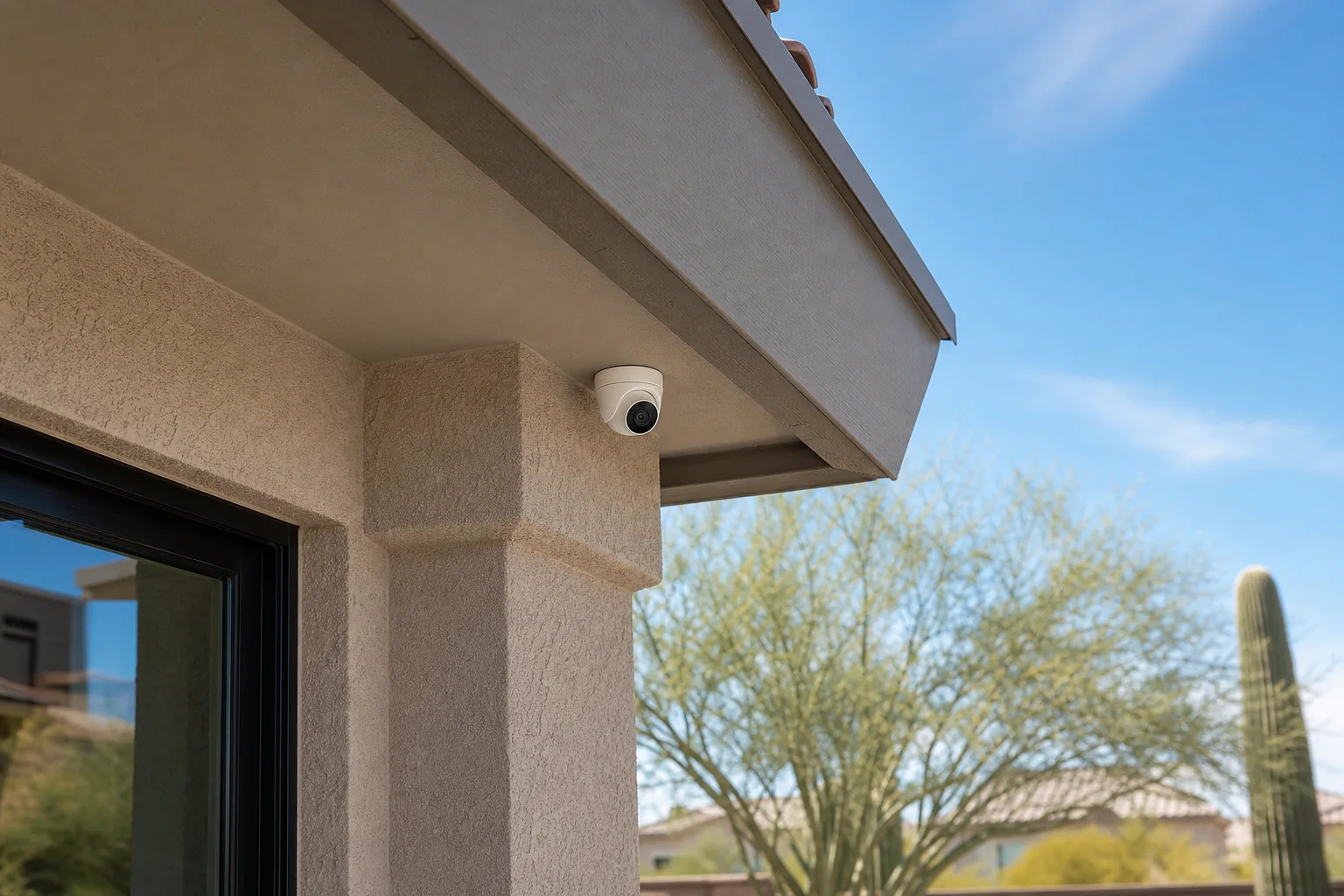
A proper camera plan answers four questions before equipment is purchased: what needs to be seen, how the camera will connect, where recordings will live, and who should have access. “Put a camera on every corner” is not a plan.
I’m Joe Machynia, the owner and solo operator of HandyMack in the Phoenix North Valley. I install and configure residential camera systems within my tech and low-voltage scope. Here is how I help a homeowner choose between a simple doorbell setup and a more complete system.
Begin with the view you need
Walk the property during the day and after dark. For each location, write down the job of the camera:
- See a person at the front door.
- Watch a package area.
- Cover the driveway approach.
- See who enters a side gate.
- Monitor a backyard door.
- Check on a garage or workshop entrance.
Then stand where the camera may go and look at the scene. A very wide view can show more property while making important details smaller. A camera mounted too high may capture the top of a head instead of a useful face view. The correct field of view depends on the task.
I also check for lights, moving branches, reflective surfaces, and areas outside the property that should not be recorded. The goal is useful coverage with reasonable respect for neighbors and private spaces.
PoE or Wi-Fi: which is better?
Neither is automatically right for every home.
PoE cameras
A Power over Ethernet camera carries data and power over an Ethernet cable connected to compatible network equipment. PoE is a strong choice when:
- Continuous local recording matters.
- A practical cable route exists.
- Several fixed cameras need a stable connection.
- You want a network video recorder or another local-storage design.
- Battery charging would be inconvenient.
A wired data connection reduces reliance on Wi-Fi at the camera location, but the cable path and network equipment must be planned. “Wired” also does not mean maintenance-free; cameras, recorders, drives, and software still need attention.
Wi-Fi and battery cameras
Wi-Fi cameras can make sense for a smaller system, a rental, a location without a reasonable cable route, or a homeowner who prefers a particular doorbell or cloud platform.
Before choosing one, confirm:
- Wi-Fi signal at the mounting location.
- Whether power is wired, plugged in, solar-assisted, or battery-based.
- Recording behavior when Wi-Fi or internet service is unavailable.
- Cloud subscription terms and retention.
- Manufacturer operating temperatures.
- How often a battery can realistically be serviced.
I do not promise that one connection type will never miss an event. I match the system to the location, maintenance expectations, and recording goal.
Phoenix heat and weather change the equipment decision
Do not rely on a generic “outdoor” label. Read the manufacturer’s published operating-temperature range and installation guide for the exact model.
Phoenix installations can expose equipment to intense sun, heat, dust, wind, and seasonal rain. A shaded soffit and a west-facing wall are very different environments. Outdoor-camera manufacturer Axis explains that installers should match the published temperature range and outdoor rating to the installation site; an IP rating alone does not answer every environmental question.
My planning checklist includes:
- Operating temperature, not just storage temperature.
- Outdoor-use approval and weather rating.
- Direct sun and reflected heat.
- Eave or weather-shield options allowed by the manufacturer.
- Cable entry, drip loops, and sealed penetrations.
- A mounting surface that can safely support the hardware.
Decide where recordings will live
Cloud and local storage have different tradeoffs.
Cloud storage can be convenient for remote access, but may involve a recurring plan and depends on the vendor’s service and account security.
Local storage through an NVR, hub, or memory card can keep recordings at the property. It still needs storage-capacity planning, drive health checks, updates, backups where appropriate, and secure remote-access configuration.
Ask these questions before buying:
- Does the camera record continuously, only on events, or both?
- What happens when the internet is down?
- How many days of footage do you actually need?
- Can clips be exported in a usable format?
- Which features require a subscription?
- What happens to recordings if you stop paying for that plan?
Secure the system before enabling remote viewing
A camera system protects the home only if its own access is protected. The Federal Trade Commission’s camera guidance recommends unique strong passwords, software updates, encryption, two-factor authentication when available, and a secure home router. The FTC also suggests considering a separate network for cameras when the router supports it.
During setup, I review:
- Default administrator credentials.
- Firmware and app updates.
- Two-factor authentication.
- Household users and permission levels.
- Remote viewing and sharing settings.
- Router encryption and updates.
- Time, date, and notification settings.
- A test export of recorded footage.
Know the installation boundary
I can help plan views, install compatible cameras, configure an NVR, connect remote viewing, and handle practical low-voltage work when the route and mounting surface fit my scope.
I am not a licensed contractor. New line-voltage circuits, electrical panel work, structural changes, permitted work, and other licensed-trade tasks go to the appropriate contractor. I would rather identify that boundary before the job than improvise after equipment is open.
Frequently asked questions
How many cameras does a Phoenix home need?
There is no honest number based only on square footage. Start with entrances, approaches, and the specific events you want to capture. The layout and useful field of view determine the count.
Are PoE cameras better than wireless cameras?
PoE is often a good fit for fixed cameras and local continuous recording when cable routes are practical. Wi-Fi can be a good fit for a smaller or harder-to-wire system. Power, storage, maintenance, and internet-dependency requirements decide the better option.
Do I need a subscription?
Not always. Some systems offer local recording, while others reserve recording or advanced features for paid cloud plans. Check the exact product terms before purchasing.
Will an outdoor camera survive Phoenix summer?
Only the manufacturer can define a model’s supported conditions. Compare its published operating-temperature range and outdoor installation requirements with the actual mounting location, including direct sun and reflected heat.
Can cameras be added to Home Assistant?
Many camera platforms can integrate with Home Assistant, but available live views, events, and recordings vary by integration and model. I verify compatibility before treating that as a requirement.
Do you install homeowner-supplied equipment?
I can work with compatible customer-supplied or HandyMack-supplied equipment after reviewing the model, mounting location, cable or power plan, storage, and account requirements.
Want help planning the system?
Read about Security Camera installation. If a doorbell or Wi-Fi camera already drops offline, work through my home Wi-Fi troubleshooting guide before assuming the camera is bad.
HandyMack serves Stetson Valley, Deer Valley, Phoenix, Peoria, Surprise, Glendale, and Sun City, with Scottsdale case-by-case. Request a quote with photos of the approaches you want to see, possible mounting locations, and any equipment you already own. Those views are more useful than starting with a camera count.